Skyline
A flight-booking site in examples/flights where the search lives in the URL, results tools are on only on the results route, a TanStack Form fills the travelers, and booking waits for the person's click.
examples/flights (Skyline) books flights on deterministic mock data, on Vite and React Router 7: the same search always
returns the same flights and ids. Search, filter and sort the results, pick a flight, fill in the travelers and book. Every
step is a tool, and booking waits for the person.
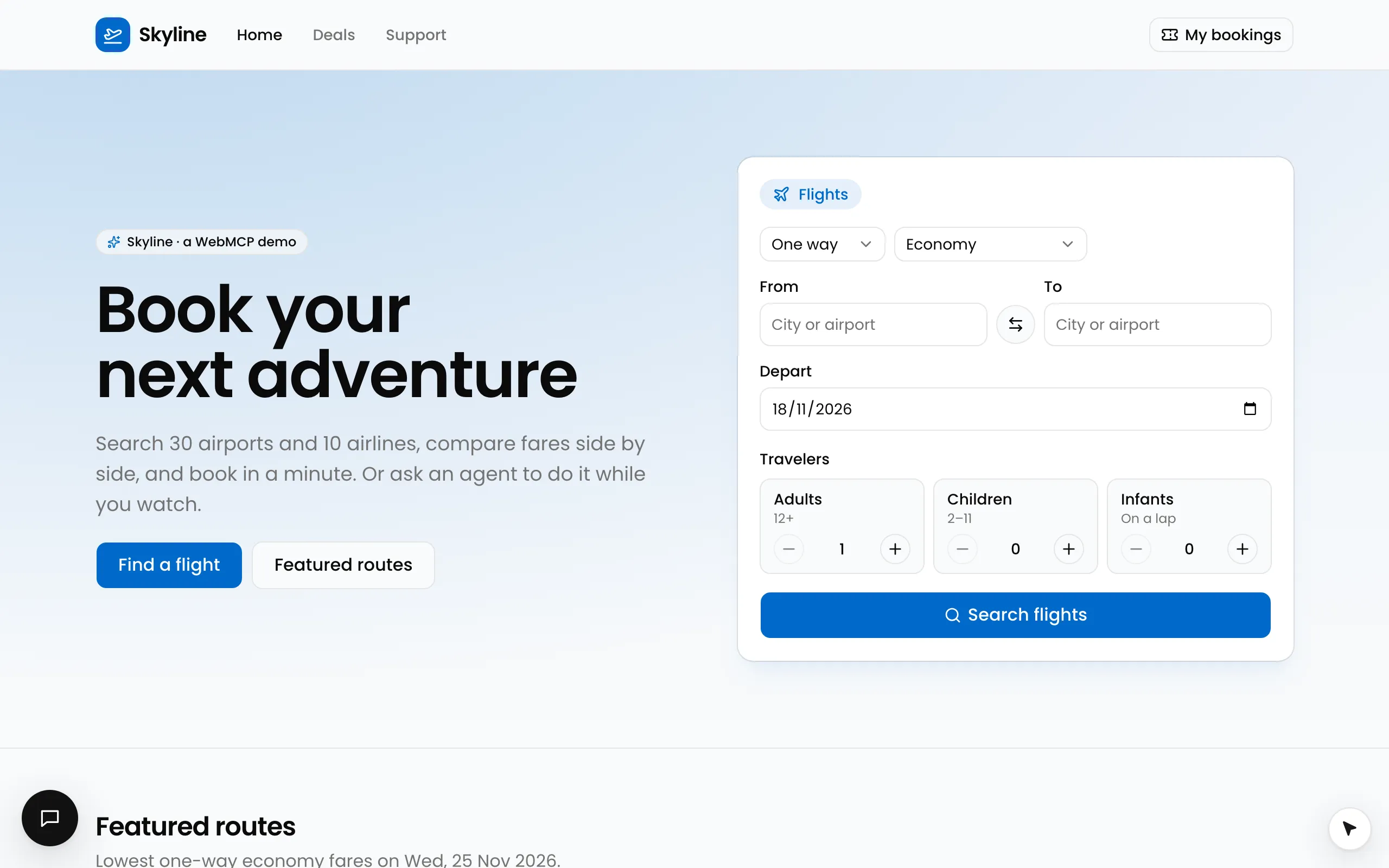
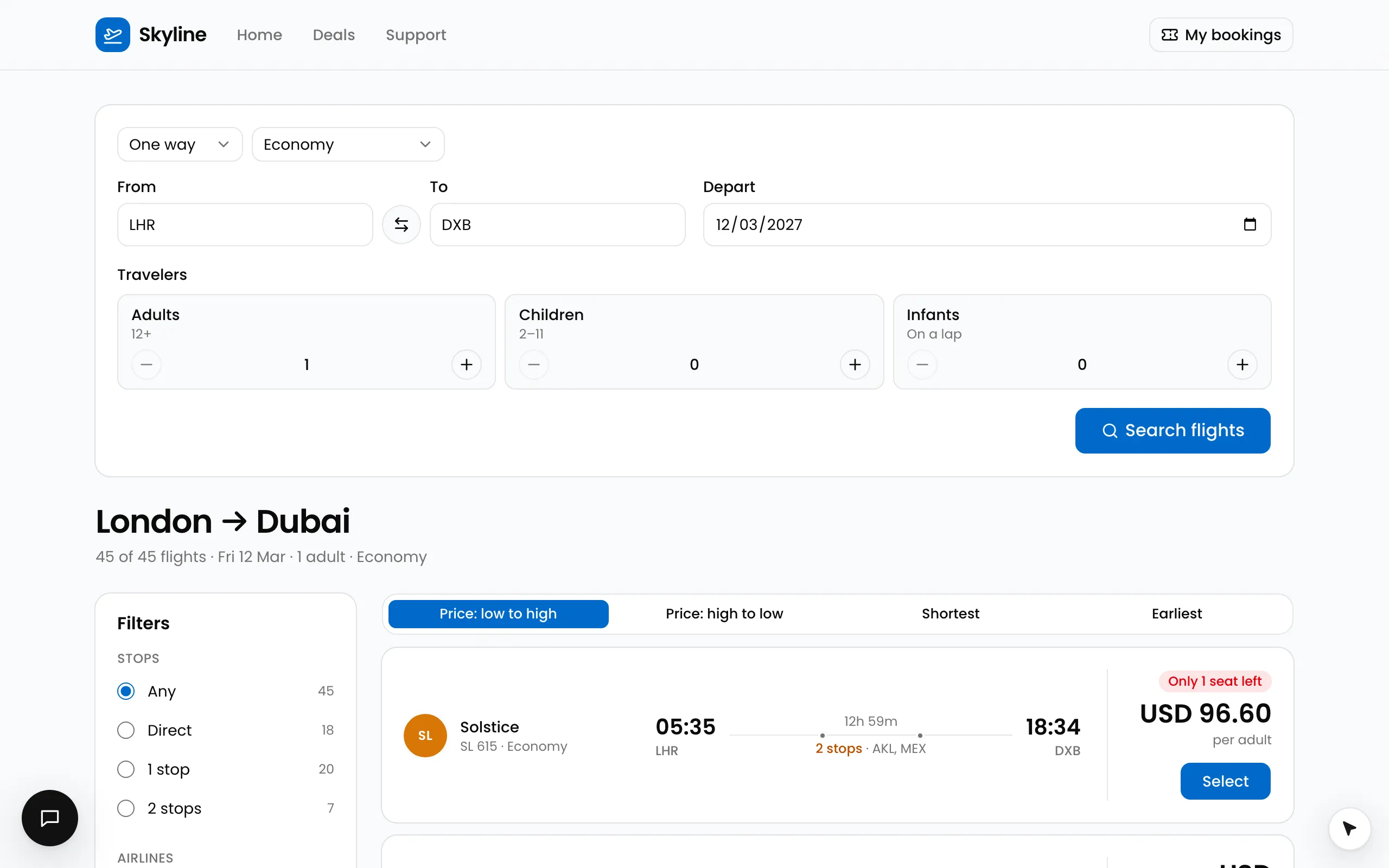
Search, results, select a flight: each a tool call under the cursor.
Run it
pnpm --filter @webmcp-agents/example-flights dev     # http://localhost:5175
pnpm --filter @webmcp-agents/example-flights e2e     # Playwright, desktop + Pixel 7
From the devtools (Alt+Shift+A), or the console:
await agent.invoke("search_flights", { from: "RUH", to: "DXB", date: "2027-03-12" });
await agent.invoke("filter_results", { stops: "0" });
await agent.invoke("list_results", { limit: 3 });                 // ids for select_flight
await agent.invoke("select_flight", { flightId: "F-…" });
With ANTHROPIC_API_KEY in examples/flights/.env.local the Assistant (bottom left in development) runs the concierge
agent, which knows the booking flow in a few plain lines.
Tools
| Tool | Where | On | Confirm |
|---|---|---|---|
search_flights |
useWebTool + React Hook Form (types into every field) |
home and results pages | no |
get_booking |
catalog, read-only | everywhere | no |
get_location |
catalog, read-only: the common getLocation with a reverse-geocoding lookup, plus the nearest airports |
everywhere | no |
get_time |
catalog: the common getTime() with Skyline’s description (dates as YYYY-MM-DD) |
everywhere | no |
filter_results |
catalog, match (ticks the stops radio; on a phone, the Filters button) |
a results page | no |
sort_results |
catalog, match (that sort’s button) |
a results page | no |
list_results |
catalog, match, read-only |
a results page | no |
select_flight |
catalog, match (that flight’s own Select button) |
a results page | no |
fill_traveler_details |
useWebTool + TanStack Form |
the booking page | no |
book_flight |
useWebTool + React Hook Form, fill |
the booking page | yes: the cursor ticks the fare rules and parks on “Book flight” |
Patterns worth copying
- The search is the URL (
/flights/lhr/dxb/oneway/economy/1/0/0/2026-11-20). A loader validates it, and a bad URL renders a readable error instead of a blank page. - Results tools say where they are on.
filter_resultsand friends carrymatch: RESULTS_PATTERN: the library follows the URL, so they turn on and off with back and forward and nothing is wired to React Router. Tools across your app. - Store first, then navigate. A
matchtool turns on as soon as the URL changes, before the results page has rendered, sosearch_flightsstores the search before it navigates (the tools read it). Tool lifecycle. - Context tools.
get_timeandget_locationanswer what a model cannot know (“next Friday”, “from here”), so the agent does not invent a date or an airport.get_timeis the common tool;get_locationis the common one with alookupand Skyline’s airports on top (Common tools). - Any form library. The search and booking forms are React Hook Form; the traveler details are TanStack Form, and the
cursor types into both. The stops filter is a radio group named
stops, so the cursor ticks the radio it sets as a field (Tools with input). - One control per call.
select_flighttargets{ role: "button", name: "Select Meridian MR 210" }: that flight’s own button, from the call’s input (Define a tool). - Real fields. Travelers are inline counters rather than a popover, so the agent fills visible fields.
- Wait for the person.
book_flightparks on “Book flight” until a real click (Confirm before it runs). - The agent (
concierge) lives insrc/webmcp-agents/agents.tsand is shared by the chat, the Vite dev plugin andapi/chat.ts(Define an agent).