Field Store
A realistic storefront in examples/ecommerce on React Router 7, where tools are on everywhere, while a component is mounted or while the cart drawer is open, and checkout waits for the person.
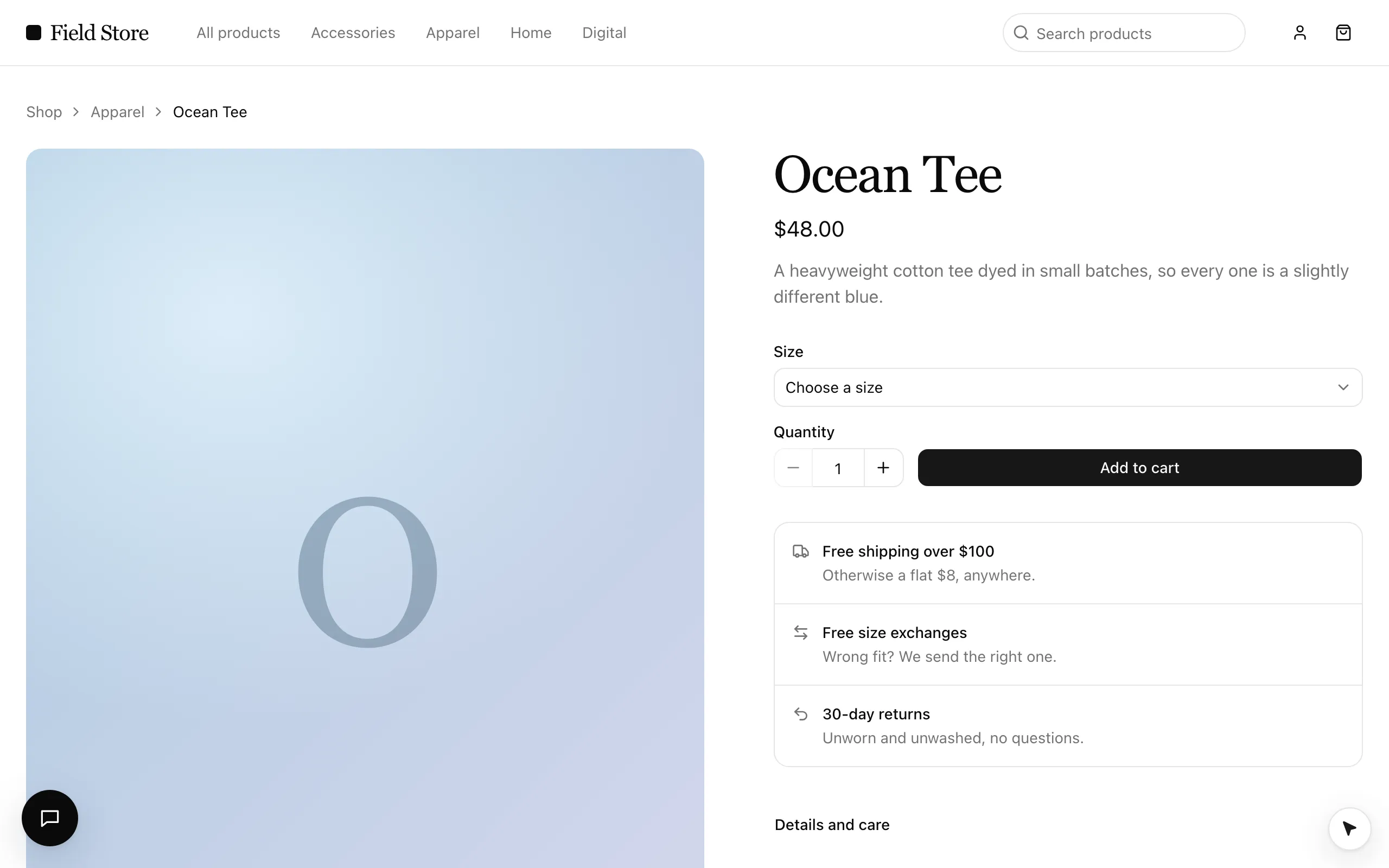
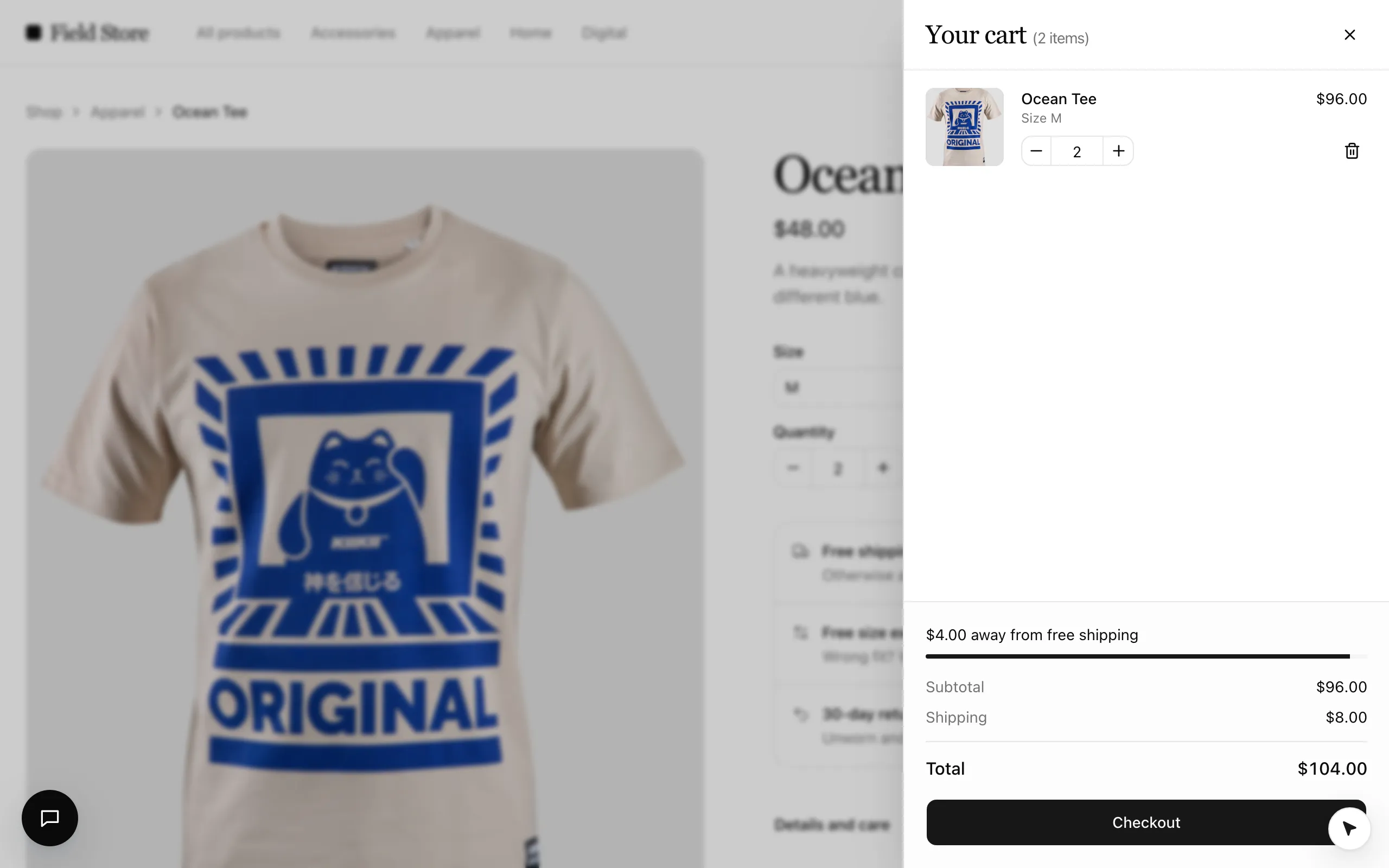
examples/ecommerce (Field Store) is a minimal, editorial storefront on mock data where every meaningful action is a
tool, on Vite and React Router 7. It shows the ways a tool can be on: everywhere (the catalog), while a component is mounted
(a form on a page), and while the cart drawer is open. The provider line is <WebAgentsProvider tools={tools}>, as in every
framework.

Run it
pnpm --filter @webmcp-agents/example-ecommerce dev    # http://localhost:5174
pnpm --filter @webmcp-agents/example-ecommerce e2e    # Playwright, desktop + Pixel 7
From the devtools (Alt+Shift+A), or the console:
await agent.invoke("open_product", { slug: "ocean-tee" });
await agent.invoke("add_to_cart", { variant: "M", qty: 2 });     // the cart drawer opens
await agent.invoke("update_cart_item", { slug: "ocean-tee", qty: 3 });
With ANTHROPIC_API_KEY in examples/ecommerce/.env.local the Assistant (bottom left in development) does the same from a
sentence.
Tools
| Tool | Where | On | Confirm |
|---|---|---|---|
search_products |
useWebTool in the header’s search (types into the field) |
everywhere | no |
open_product |
catalog, read-only (clicks the product’s card when it is listed) | everywhere | no |
browse_category |
catalog, read-only (clicks the category’s link) | everywhere | no |
go_to_page |
catalog (the logo, “All products”; checkout runs unseen) | everywhere | no |
get_cart |
catalog, read-only | everywhere | no |
open_cart |
catalog, repeatable (the header’s cart button) | everywhere | no |
add_to_cart |
useWebTool + React Hook Form |
a product page, in stock | no |
update_cart_item |
useWebTool in the drawer, repeatable |
cart drawer open | no |
remove_from_cart |
useWebTool in the drawer, destructive |
cart drawer open | no (reversible) |
close_cart |
useWebTool in the drawer |
cart drawer open | no |
apply_promo |
useWebTool + React Hook Form |
checkout, no code applied | no |
checkout |
useWebTool + React Hook Form, fill |
checkout, cart not empty | yes: the cursor types the details and parks on “Place order” |
subscribe_newsletter |
useWebTool + React Hook Form |
home page | yes |
Promo code WELCOME10 takes 10% off; shipping is free from $100.
The agents
src/webmcp-agents/agents.ts defines two. shopper finds products and fills the cart; it sees every tool except checkout and
apply_promo. When the person wants to buy it hands the whole purchase to checkout, a sub-agent
(delegate_to_checkout) that sees only the cart and checkout tools, and the order is still confirmed by the person’s click
on the page. Define an agent teaches both shapes.
Patterns worth copying
- Nothing in the markup is for the cursor. A tool finds its control by its
title(“Place order”, “Close cart”), or by a locatortargetbuilt from the call: the drawer’sremove_from_cartlooks for{ role: "button", name: `Remove ${label}` }. The devtools’ Tools tab shows what each tool resolves to (Devtools). - State outside React. The cart and the drawer are small stores (
src/store/cart.ts,src/store/ui.ts) that components read withuseCart()anduseUi()and catalog tools import. Catalog tools navigate with the router’s ownrouter.navigate(src/lib/navigate.ts, handed over bymain.tsx), so no call is lost to a page load, andsrc/webmcp-agents/agents.tscan import the catalog on the server. Tools across your app. - Tools in the component that owns the control.
update_cart_item,remove_from_cartandclose_cartare defined insrc/webmcp-agents/tools/and turned on insrc/webmcp-agents/hooks/use-cart-drawer-tools.tswithenabled: cartOpen;checkoutis registered insrc/webmcp-agents/hooks/use-checkout.ts, which the checkout form calls, withfill: (values) => form.reset(values)(Tools with input). - Wait for the person.
checkoutandsubscribe_newsletterpark on their button until a real click (Confirm before it runs). - Answer, then navigate. A tool that leaves its page navigates inside
execute;useWebToolkeeps it registered until the agent has its answer, so there is no grace period to write (Tool lifecycle). - A non-modal drawer. The cart drawer is a
role="dialog"panel with the page behind itinert, notshowModal(): the top layer would hide the cursor.useCartDrawerToolsalso listens to agent events and closes it when a tool that is not about the cart starts (useAgentEvents). - Typechecked twice.
tsconfig.jsoncoverssrc/(withvite/clienttypes),tsconfig.node.jsoncoversapi/,vite.config.tsand the e2e tests (withnodetypes).src/webmcp-agents/agents.tsis in both, which is fine: it imports nothing environment-specific. - Descriptions that chain. Each tool says what it needs first and what comes next; read
src/webmcp-agents/toolsnext to Writing tool descriptions. go_to_pagestays the store’s own tool rather thangoTofrom@webmcp-agents/tools: checkout has no link to click and needs a cart with something in it.